Project Goal:
HotKey Group had no mobile app – the desktop platform didn't work on phones at all. Managers needed to reply to clients on the go, and there was no solution. The goal was to build a mobile app from scratch, defining which features from the desktop were essential for on-the-go use and designing them for a phone screen.
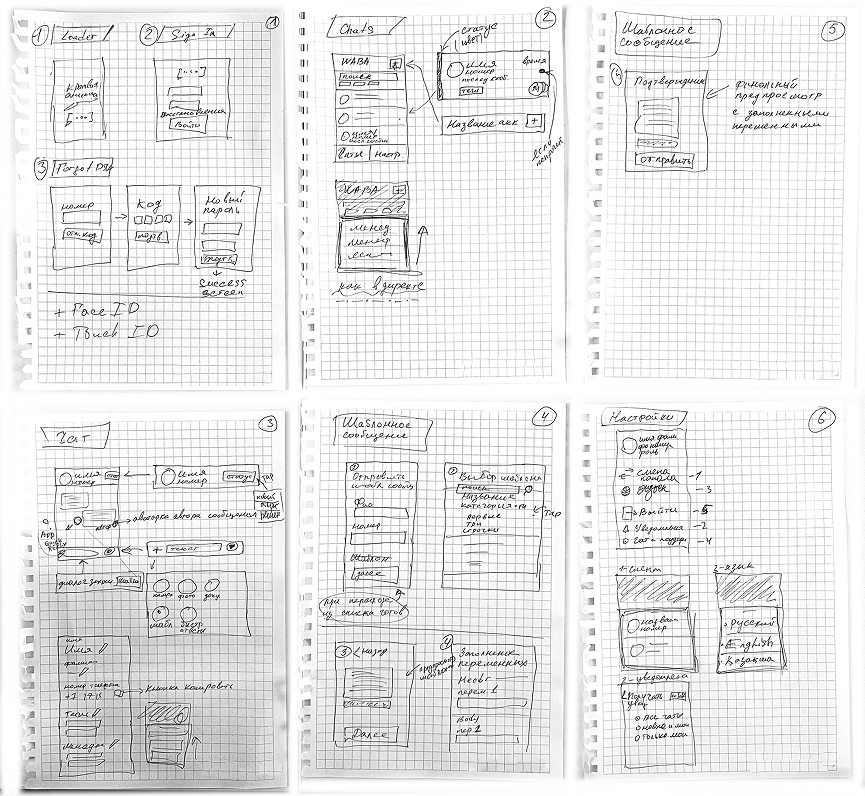
From Sketch to System
The Challenge
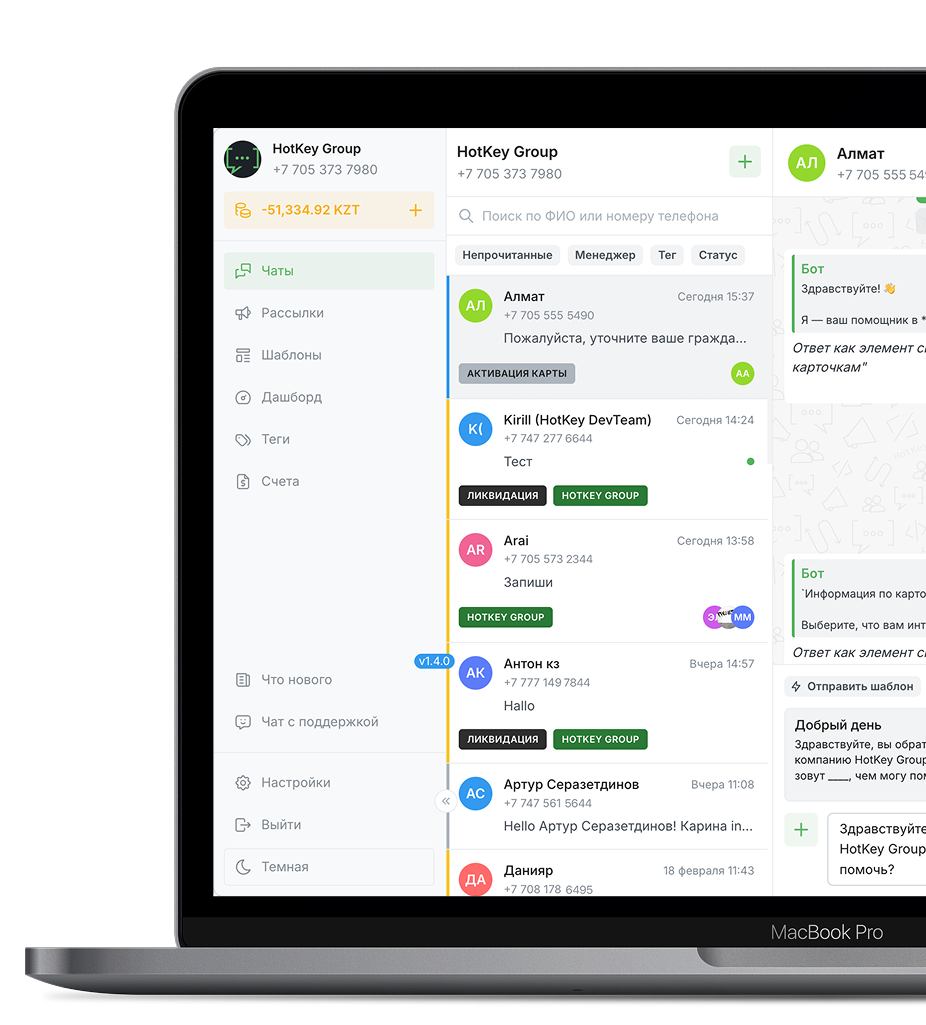
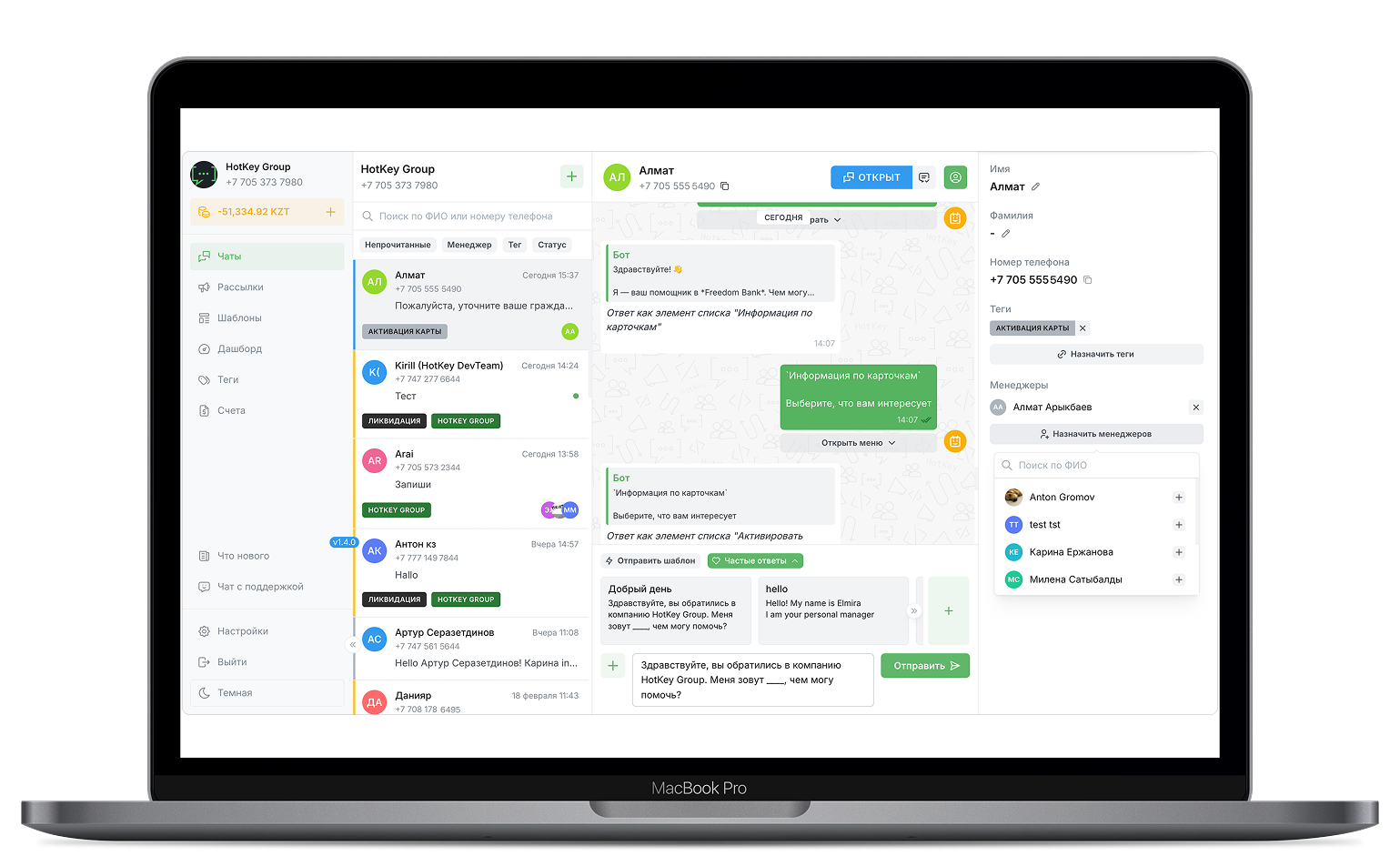
The desktop platform was a multi-panel workspace - chats, contact details, filters, templates, all visible at once. None of that translates to a phone screen. I had to decide what stays, what goes, and what gets rethought entirely.
My Role:
Sole designer. Defined the mobile feature scope, adapted desktop logic into mobile-first UX, designed all UI screens, and built an interactive prototype in Figma. Timeline: one week from concept to a working prototype ready for development handoff.
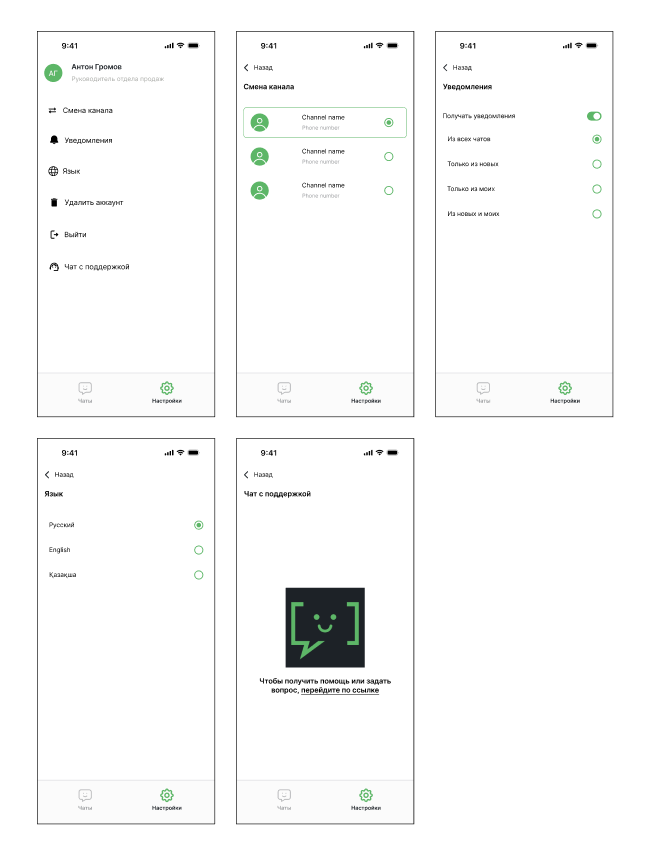
Designed all UI screens
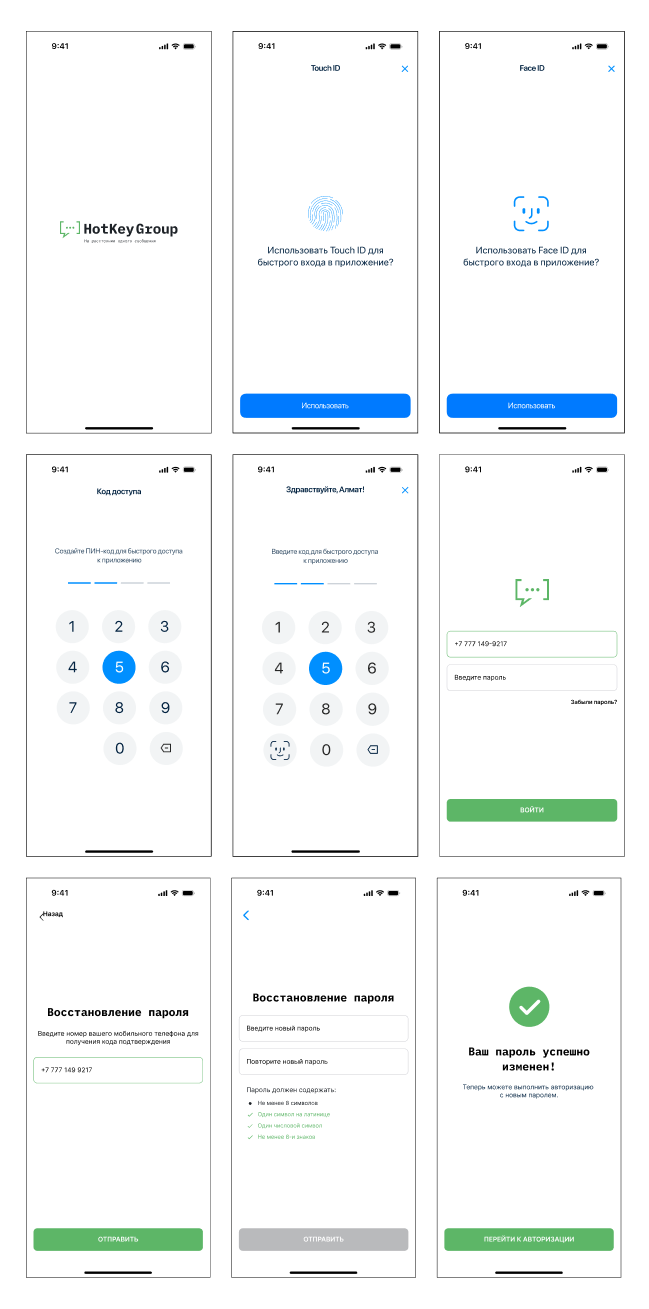
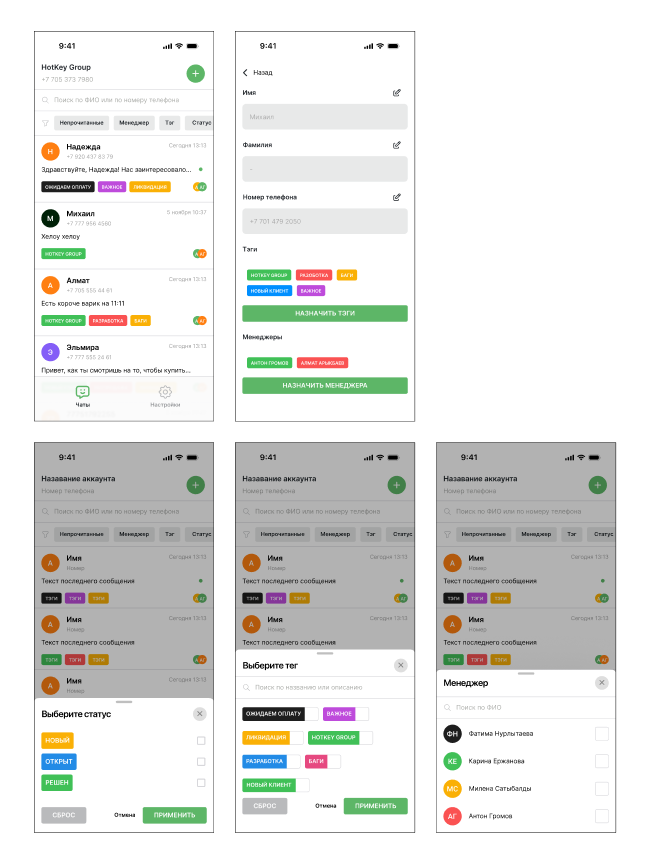
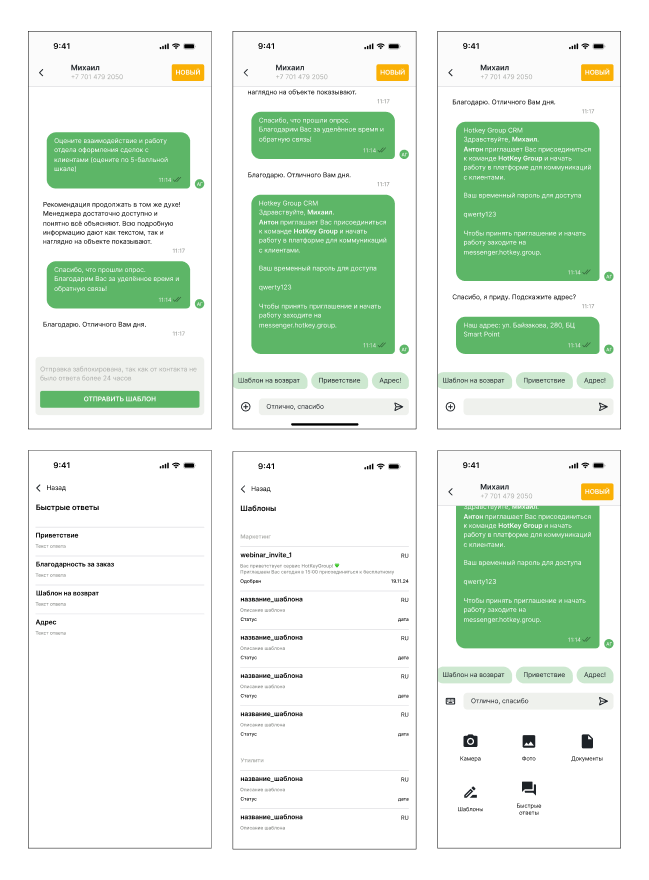
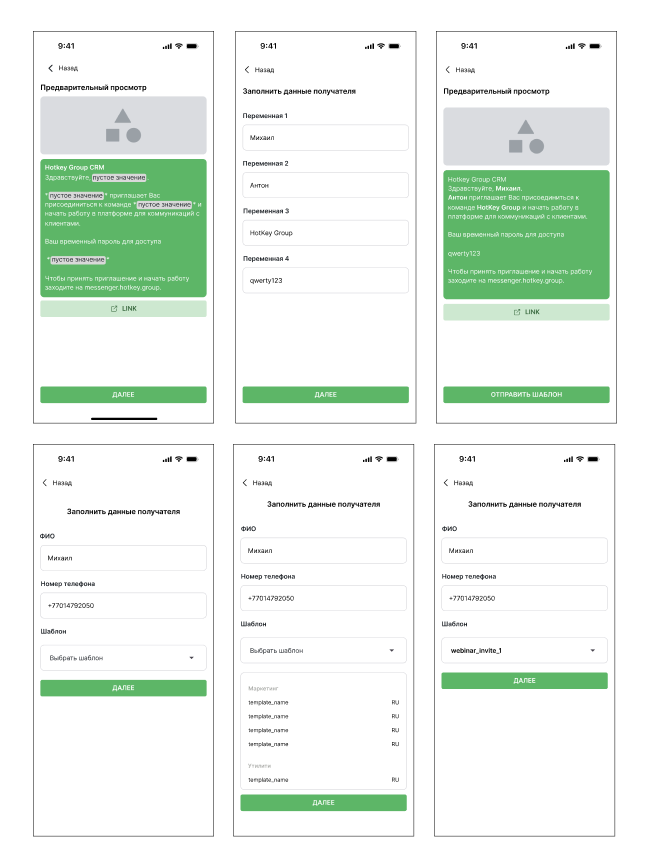
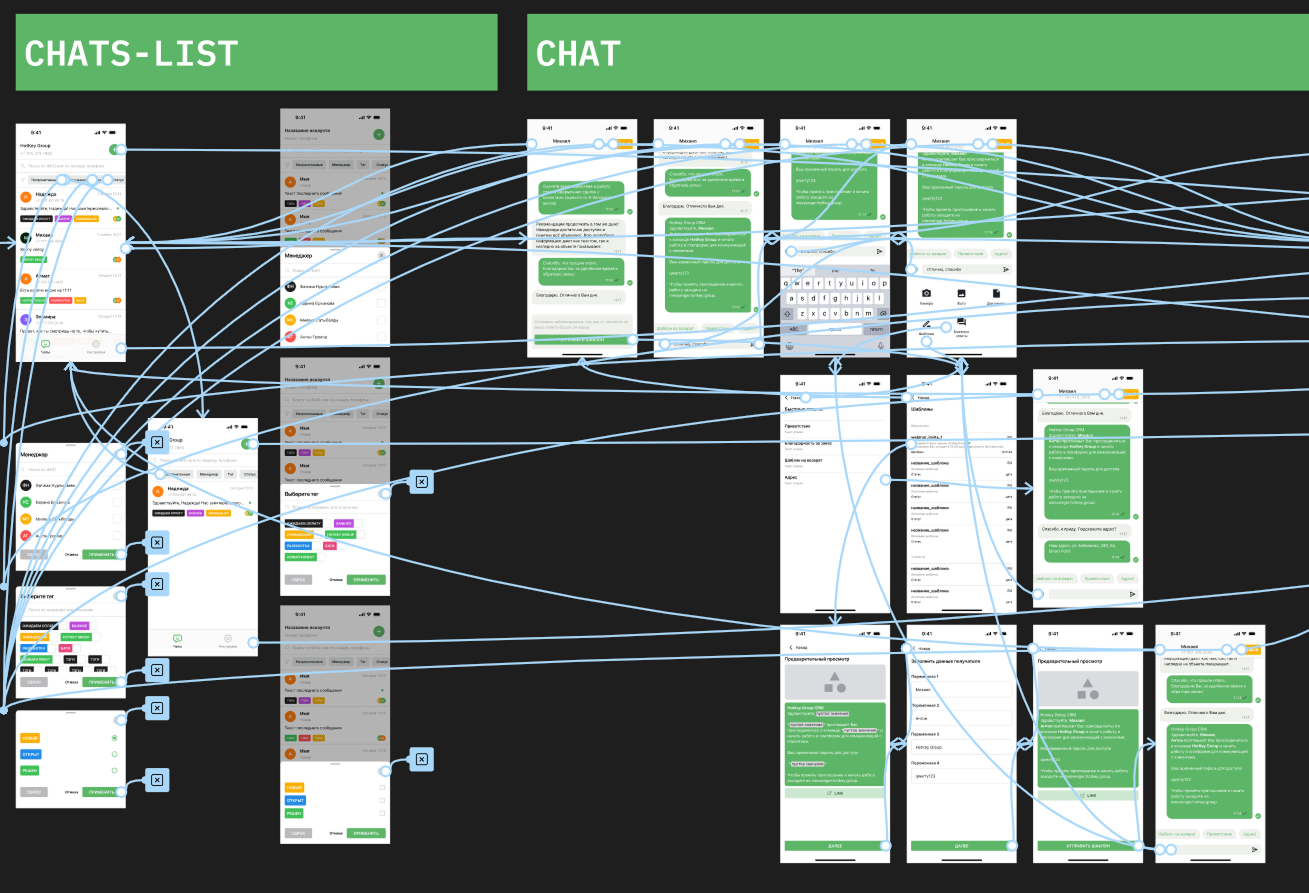
Built interactive prototypes in Figma
The Solution
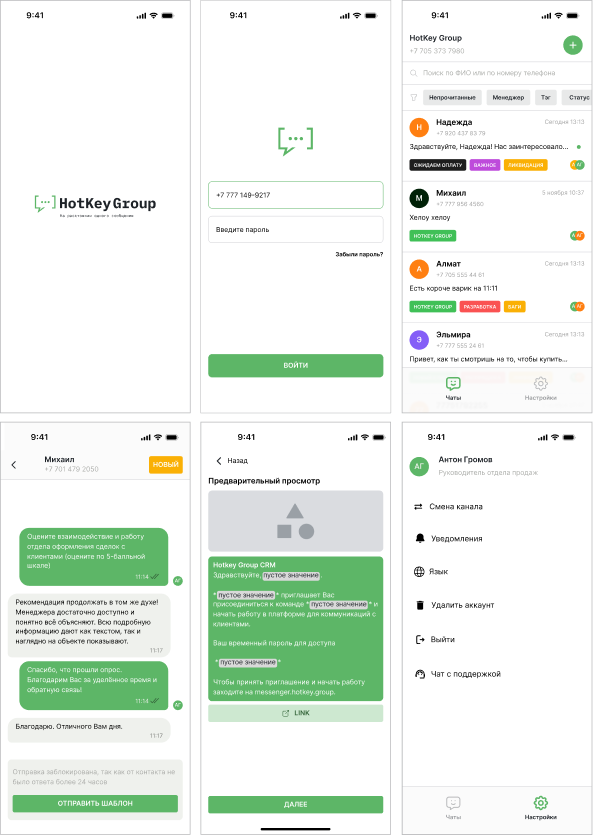
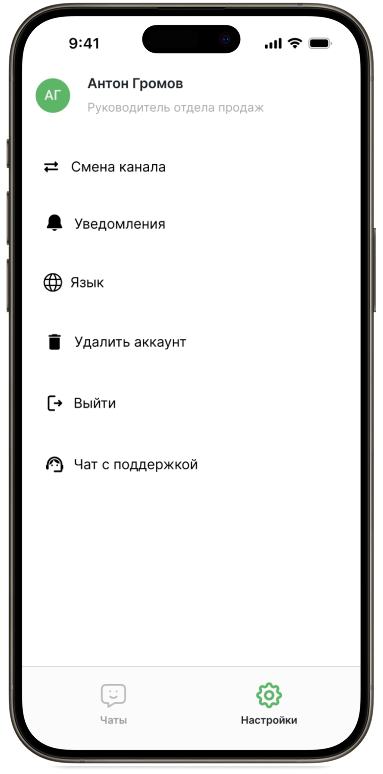
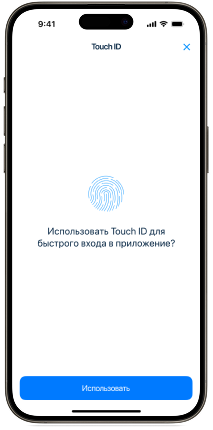
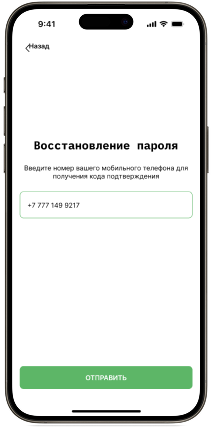
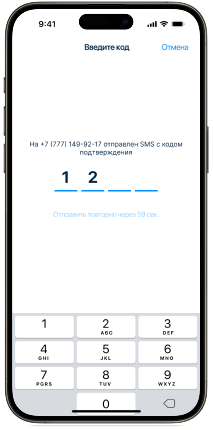
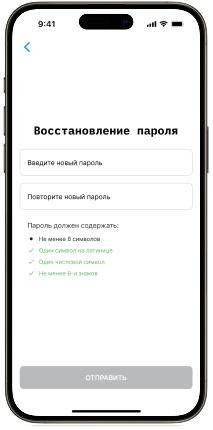
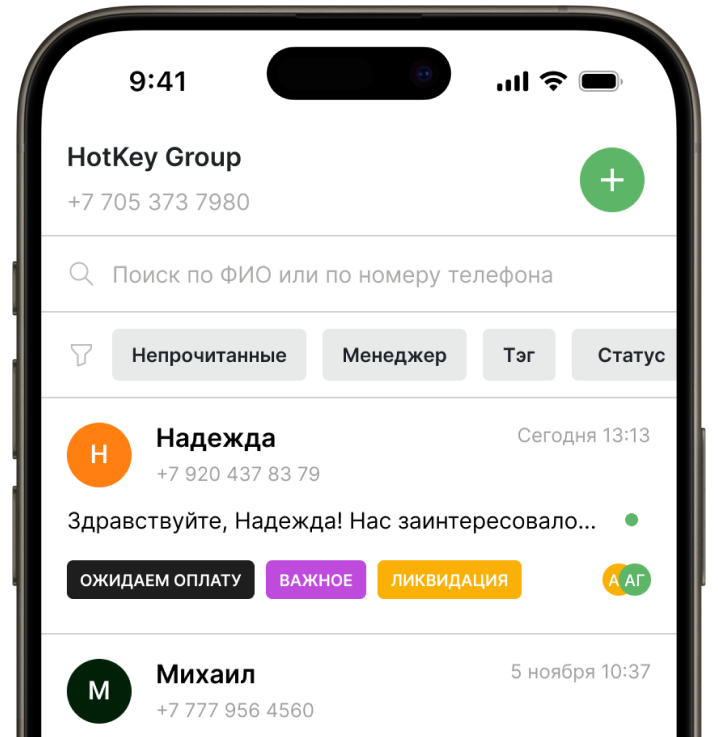
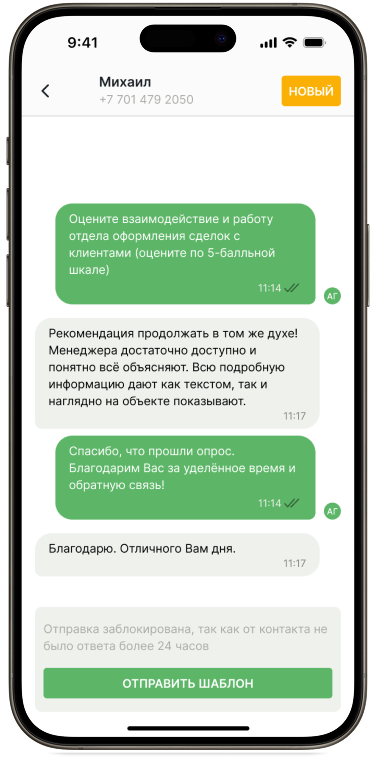
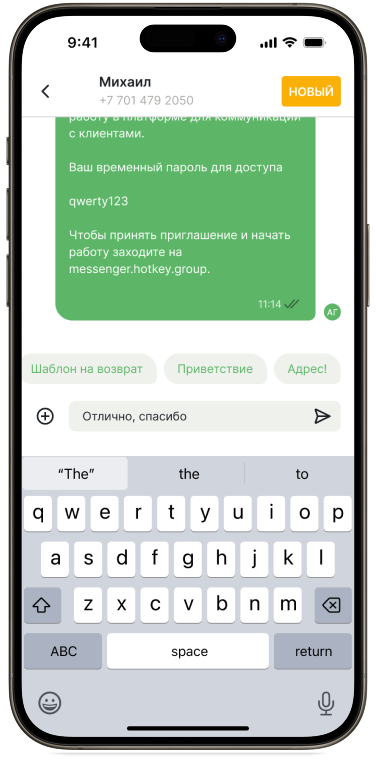
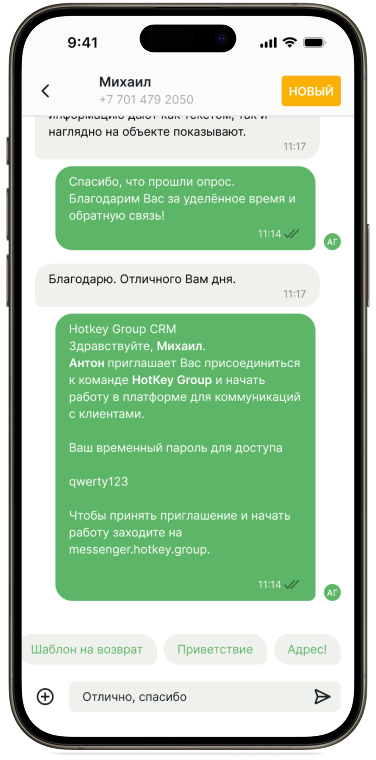
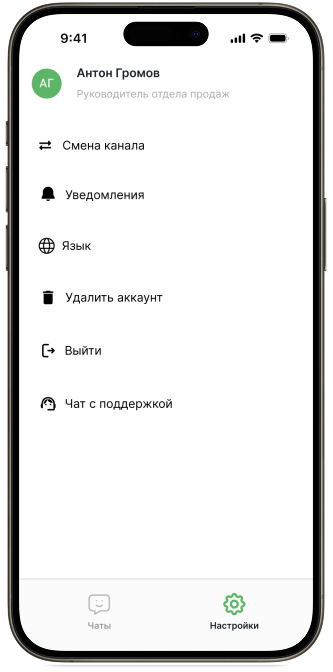
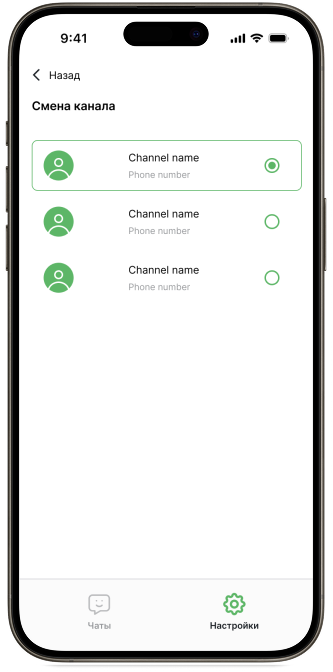
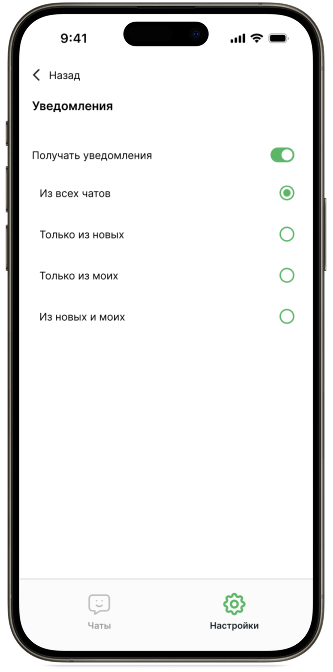
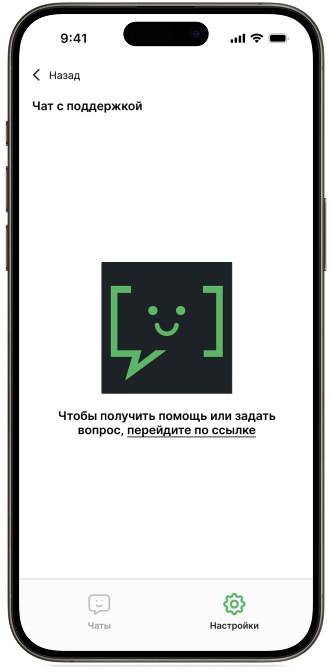
I stripped the app down to what managers actually need on the go: messaging, file sharing, quick replies, templates, chat filtering by manager, tag, or status, and contact profile editing. Authentication, settings (channel switching, notifications, language), tag and manager management, and support were added as baseline features. Every interaction was redesigned for one-handed mobile use instead of being scaled down from desktop.
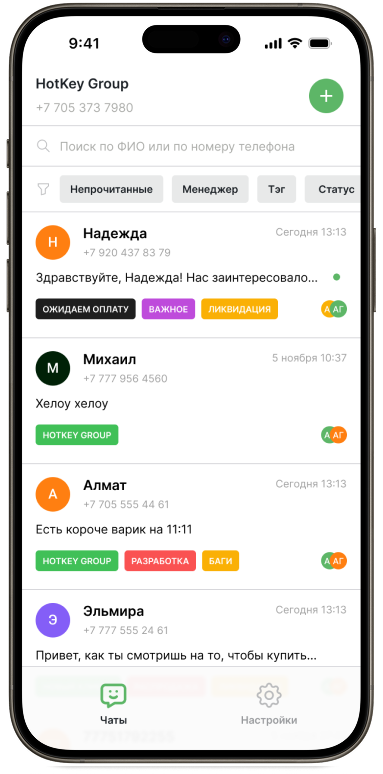
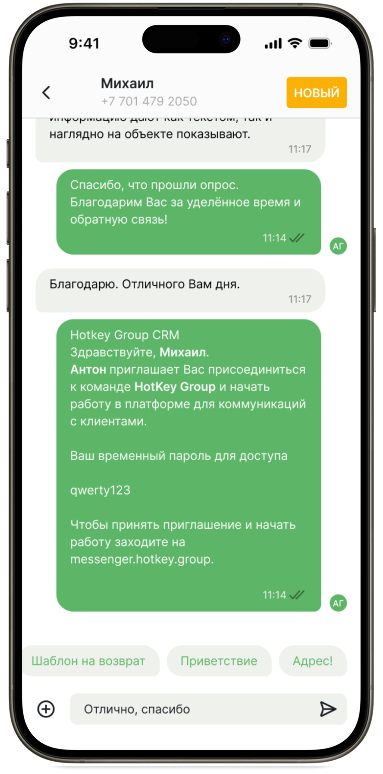
Simplified complex B2B interfaces for fast, on-the-go communication
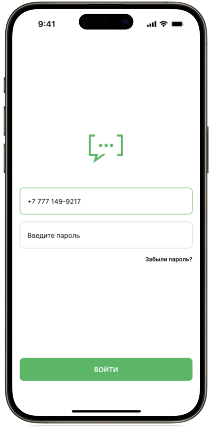
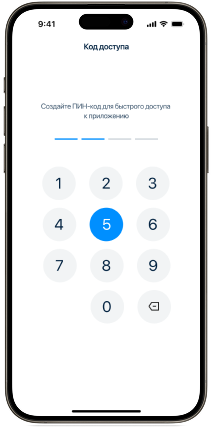
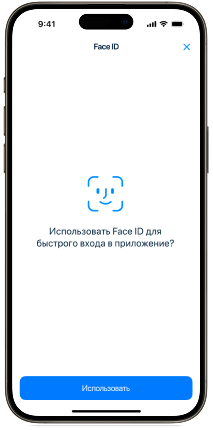
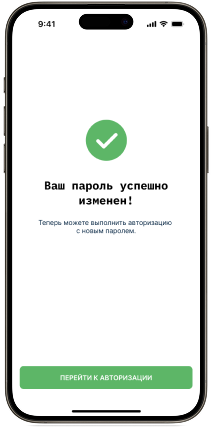
The authentication and access flow
The chat list with advanced filters
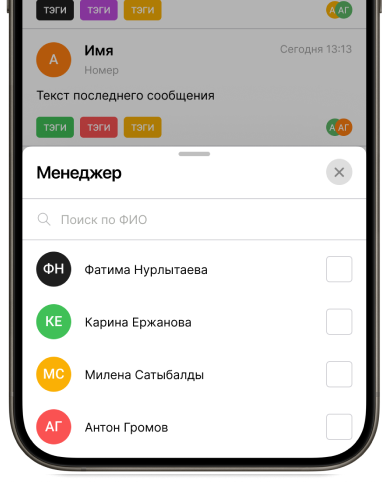
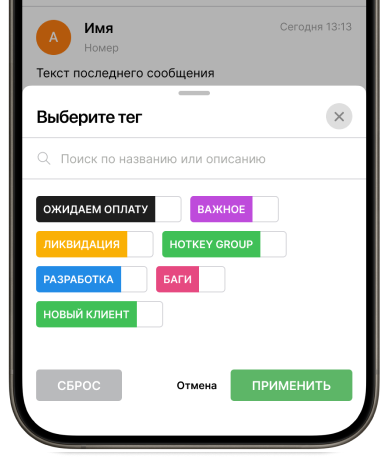
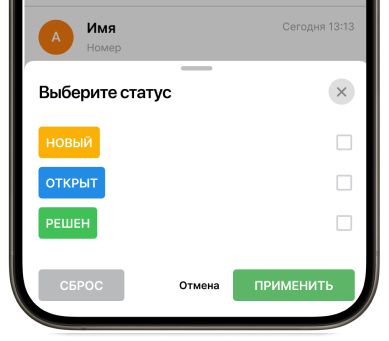
Editing of tags and managers
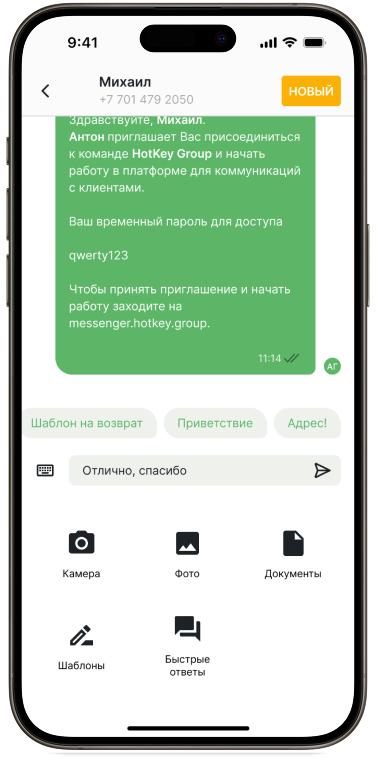
Chat interactions (including templates and quick replies)
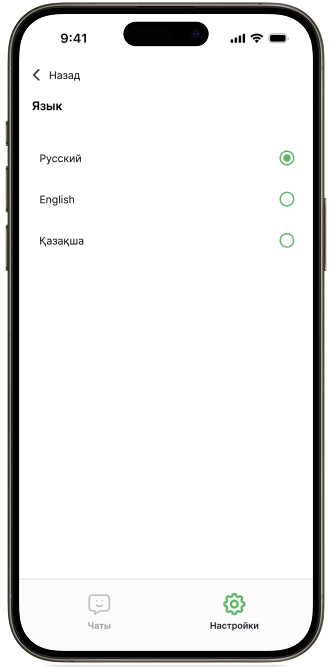
App settings and channel switching
The Result
The app is live and in production.
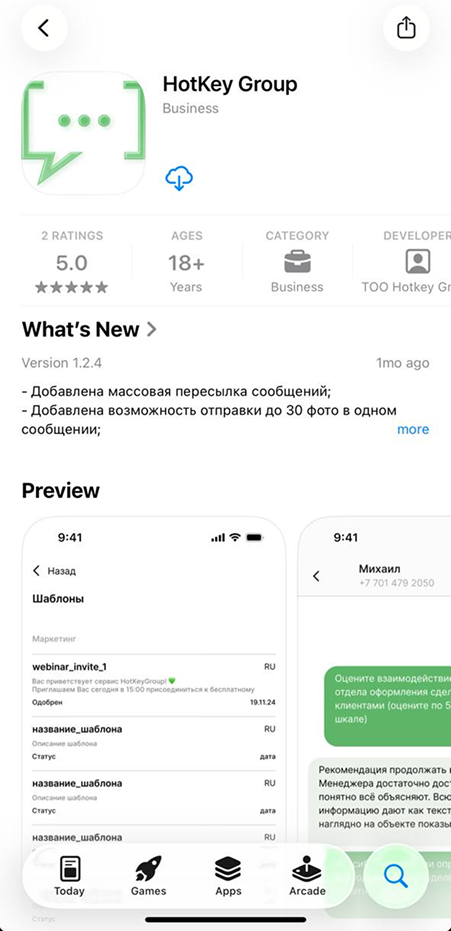
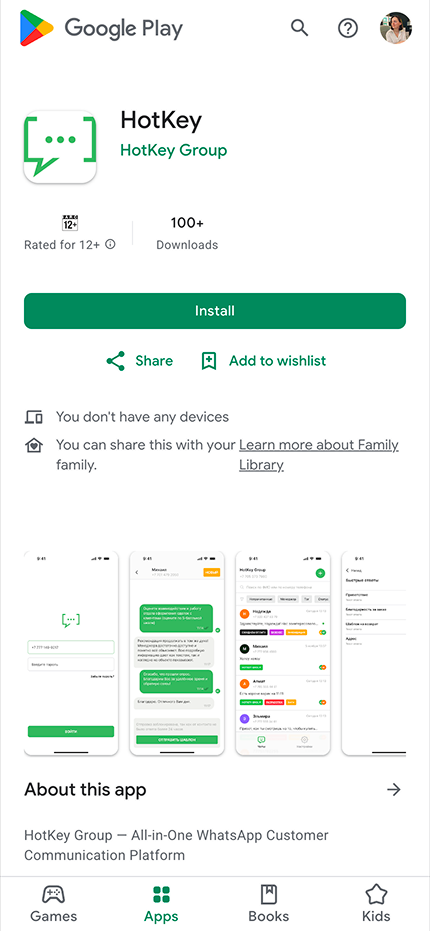
Built from a one-week prototype sprint to a shipped product, covering all key user flows — ~30 screens across authentication, chat, filtering, profiles, settings, and messaging
